
Anúncios
The digital revolution has transformed ordinary smartphones into powerful measurement tools, eliminating the need for traditional tape measures in many everyday situations.


Modern mobile devices equipped with advanced sensors and augmented reality capabilities now offer unprecedented convenience for measuring distances, heights, and dimensions with remarkable accuracy.
Anúncios
This technological advancement has democratized professional-grade measurement tools, making them accessible to homeowners, DIY enthusiasts, real estate professionals, and contractors alike.
The integration of sophisticated camera systems, accelerometers, and specialized algorithms has created a new category of applications that rival traditional measuring instruments in both precision and practicality.
Anúncios
The evolution from physical measuring tapes to digital solutions represents more than mere convenience—it signifies a fundamental shift in how we interact with our physical environment.
These applications leverage cutting-edge technologies including augmented reality (AR), LiDAR sensors, and computer vision to deliver measurements that were once possible only with specialized equipment costing hundreds or thousands of dollars.
📱 The Technology Behind Digital Measuring Apps
Understanding the underlying technology helps users maximize the potential of smartphone-based measuring tools. Contemporary devices employ multiple sensor systems working in concert to calculate distances and dimensions with impressive precision.

The primary technologies include LiDAR (Light Detection and Ranging), which uses laser pulses to measure distances; AR frameworks that overlay digital information onto real-world views; and sophisticated image processing algorithms that interpret spatial relationships through the camera lens.
LiDAR technology, once exclusive to professional surveying equipment, has been integrated into premium smartphones, particularly recent iPhone models. This sensor emits infrared light pulses and measures the time it takes for them to return after bouncing off objects, calculating distances with millimeter-level accuracy. Devices without dedicated LiDAR sensors compensate through advanced photogrammetry techniques, using camera parallax and motion tracking to estimate measurements.
The computational photography revolution has enabled smartphones to extract three-dimensional information from two-dimensional images. Machine learning algorithms trained on millions of images can now recognize objects, estimate their dimensions, and calculate distances based on visual cues that mimic human depth perception. This technological convergence has made accurate measurements possible even on mid-range devices without specialized hardware.
🎯 Top Applications for Smartphone Measurements
The digital marketplace offers numerous applications designed to transform smartphones into measuring instruments. Google Measure, now integrated into many Android devices as part of Google’s AR services, provides straightforward distance and height measurements using augmented reality. The application overlays virtual measuring points onto real-world surfaces, allowing users to mark starting and ending points for linear measurements.
For iPhone users, the native Measure app utilizes ARKit and LiDAR technology to deliver exceptional accuracy. The application automatically detects rectangular objects like picture frames and documents, instantly providing dimension measurements. Its level feature also functions as a digital spirit level, proving useful for hanging artwork or ensuring shelves are properly aligned.
AR Ruler App stands out as a comprehensive measurement solution for Android devices, offering multiple measurement modes including linear distance, angles, area calculation, and volume estimation. The application’s intuitive interface makes it accessible for users regardless of technical expertise, while advanced features satisfy professional requirements.
RoomScan LiDAR specializes in creating detailed floor plans by simply touching the smartphone against walls. This application has revolutionized property documentation for real estate professionals, interior designers, and homeowners planning renovations. The generated floor plans include accurate measurements and can be exported in various formats compatible with professional CAD software.
🏠 Practical Applications in Daily Life
The versatility of smartphone measuring tools extends across numerous practical scenarios. Home improvement projects benefit tremendously from instant access to measurement capabilities. Before purchasing furniture, users can quickly verify whether a sofa will fit through doorways or if a desk will occupy too much floor space. This eliminates the frustration of ordering items that ultimately don’t fit the intended space.
Interior design decisions become more informed when accurate room dimensions are readily available. Homeowners can experiment with furniture arrangements virtually, ensuring optimal space utilization before physically moving heavy items. The ability to measure wall spaces for artwork, mirrors, or shelving units removes guesswork and reduces costly mistakes.
Real estate professionals have embraced digital measuring tools for property documentation and marketing materials. Creating accurate floor plans without expensive specialized equipment saves time and resources while providing potential buyers with valuable information. Property dimensions can be verified on-site during viewings, answering client questions immediately without scheduling additional visits.
Construction and renovation professionals use these applications for quick field measurements, preliminary estimates, and client consultations. While professional projects still require certified measuring equipment for final specifications, smartphone tools excel at initial assessments and rough calculations that inform project planning and budgeting.
📏 Achieving Maximum Measurement Accuracy
Obtaining precise measurements requires understanding both the capabilities and limitations of smartphone-based tools. Environmental conditions significantly impact measurement accuracy—adequate lighting is essential for camera-based systems, while highly reflective or transparent surfaces may confuse sensors. Users should position themselves perpendicular to the surface being measured whenever possible, maintaining steady hand movements to allow the device sufficient time to process information.
Calibration procedures, when available within applications, should be performed regularly to maintain accuracy. Some apps include calibration features that compare measurements against known references, adjusting algorithms to compensate for device-specific variations. This step proves particularly important for applications relying on camera-based photogrammetry rather than dedicated depth sensors.
For critical measurements where precision is paramount, taking multiple readings and calculating the average provides more reliable results. Moving slightly between measurements allows the application to gather data from different perspectives, potentially revealing inconsistencies that warrant attention. Comparing smartphone measurements against traditional measuring tools for important projects ensures confidence in the results.
🔧 Advanced Features and Specialized Functions
Beyond basic linear measurements, contemporary applications offer sophisticated features that expand utility. Area calculation tools prove invaluable for flooring projects, paint estimation, and landscaping planning. Users outline irregular shapes by marking corner points, and algorithms calculate the enclosed area automatically. This functionality eliminates tedious manual calculations and reduces material waste through accurate quantity estimation.
Volume measurement capabilities assist with packing, shipping, and storage optimization. By measuring three-dimensional objects, users can determine whether items will fit in storage containers, luggage, or vehicle cargo spaces. This feature has practical applications for moving households, organizing storage facilities, and planning deliveries.
Angle measurement tools enable precise alignment for carpentry, tile installation, and other applications requiring specific angular relationships. Digital protractor functions display real-time angle measurements as devices are positioned against surfaces, simplifying tasks that traditionally required multiple specialized tools.
Height measurement features determine the vertical dimensions of objects without requiring access to the top. This proves especially useful for measuring ceiling heights, tree heights, or building facades. Applications calculate height using trigonometric principles, requiring users to measure distance from the object and angle to its top edge.
💡 Choosing the Right App for Your Needs
Selecting appropriate measurement applications depends on intended use cases and device capabilities. Users with LiDAR-equipped smartphones gain maximum benefit from applications specifically optimized for this technology, offering superior accuracy and faster processing. Devices without dedicated depth sensors perform admirably with applications leveraging advanced computer vision techniques, though users should maintain realistic expectations regarding precision levels.
Professional users requiring documented measurements with timestamp and location data should prioritize applications offering comprehensive export options. The ability to generate PDF reports, share measurements via email, or integrate with project management software streamlines workflows and provides verifiable documentation for client records or insurance purposes.
Casual users seeking occasional measurements for personal projects may prefer simpler applications with intuitive interfaces and minimal learning curves. Many free applications provide sufficient functionality for home use without the complexity of professional-grade tools. User reviews and ratings offer valuable insights into reliability and ease of use across different device models.
🌟 Limitations and Considerations
Despite impressive capabilities, smartphone measuring tools have inherent limitations that users must acknowledge. Measurement accuracy typically ranges from ±1-2% under optimal conditions, which may prove insufficient for applications demanding precision within millimeters. Professional construction, engineering, and manufacturing contexts still require certified measuring equipment to meet industry standards and regulatory requirements.
Battery consumption represents another consideration—AR applications and continuous camera use drain batteries rapidly. Users conducting extensive measuring sessions should ensure adequate battery reserves or have charging solutions available. Processing power also influences performance; older devices may experience lag or reduced accuracy compared to current generation smartphones.
Privacy concerns warrant attention when using measurement applications. Some apps request location permissions, camera access, and storage rights that extend beyond basic functionality. Users should review privacy policies and permissions carefully, ensuring data collection practices align with personal comfort levels and security requirements.
🚀 Future Developments in Mobile Measurement Technology
The trajectory of smartphone measurement technology points toward even greater capabilities. Enhanced sensor integration promises improved accuracy approaching professional-grade instruments. Emerging devices may incorporate multiple LiDAR sensors providing comprehensive spatial mapping from single scans, eliminating the need for multiple positioning.
Artificial intelligence advancements will enable applications to recognize objects automatically and provide standard dimensions without manual measurement. Machine learning models trained on vast databases of common objects could suggest measurements based on visual identification, streamlining workflows for repetitive tasks.
Collaborative measurement features allowing multiple users to contribute to shared projects represent another promising development. Cloud-based platforms could enable teams to compile measurements from different locations, creating comprehensive spatial databases accessible across organizations. This functionality would particularly benefit large-scale projects requiring coordination among distributed teams.
📊 Comparing Digital and Traditional Measuring Tools
Understanding when to use smartphone applications versus traditional measuring tools optimizes results across different scenarios. Digital solutions excel in convenience, portability, and situations requiring quick estimates or preliminary measurements. The ability to instantly share measurements digitally, store historical data, and visualize dimensions through AR overlays provides advantages impossible with physical tape measures.
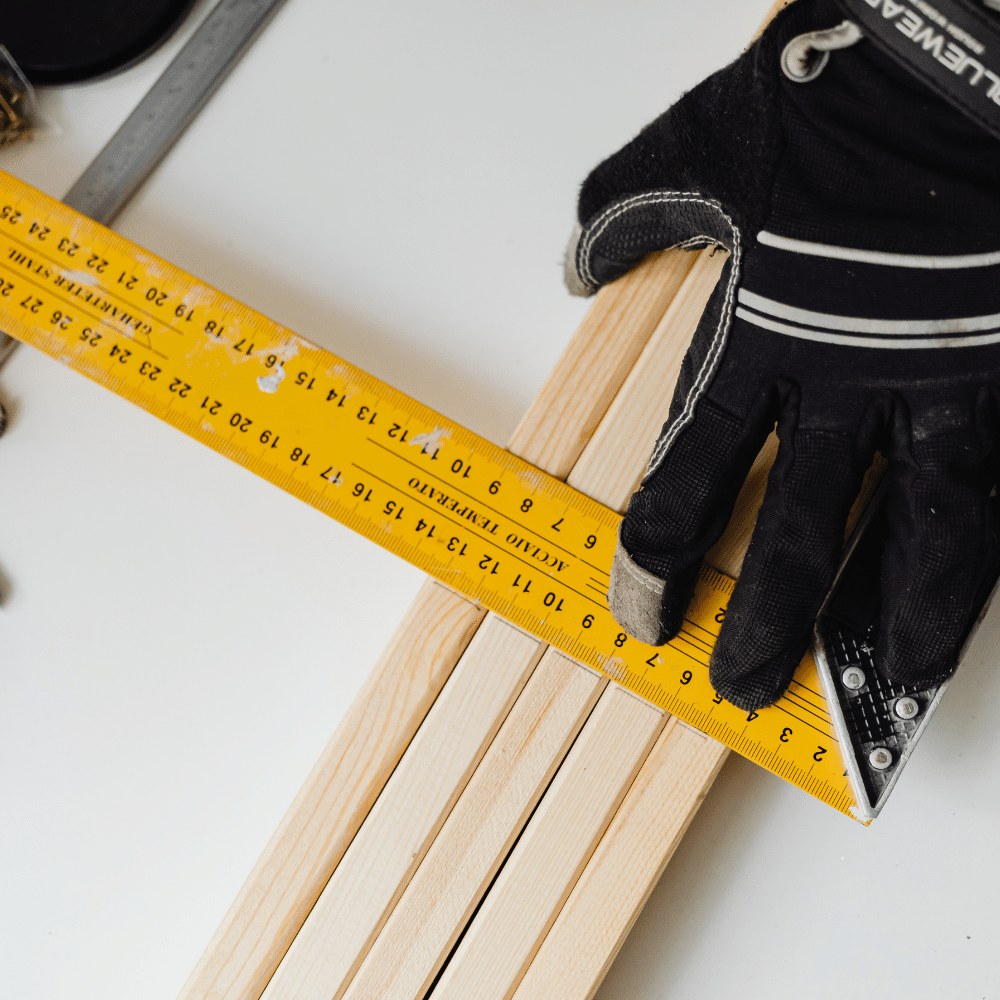
Traditional measuring tools maintain superiority in environments where smartphones face challenges—extreme temperatures, dusty construction sites, or locations where carrying valuable electronics poses theft or damage risks. Physical tape measures require no battery power, function reliably in any lighting condition, and provide tactile feedback that some users prefer for certain applications.
The ideal approach often involves using both technologies complementarily. Smartphone apps handle initial assessments, client consultations, and documentation, while traditional tools verify critical measurements requiring guaranteed accuracy. This hybrid strategy leverages the strengths of each approach while mitigating their respective weaknesses.
✅ Best Practices for Reliable Measurements
Maximizing measurement reliability requires following established best practices. Always ensure adequate lighting conditions, as camera-based systems depend heavily on clear visual input. Clean camera lenses before use—smudges and dirt significantly degrade measurement accuracy by distorting visual information processed by algorithms.
Stabilize your device during measurements, using both hands or resting against stable surfaces when possible. Many applications benefit from slow, deliberate movements that allow sufficient processing time. Rushing through measurements increases error likelihood and reduces confidence in results.
Verify measurements against known references periodically, particularly when precision matters. Measuring objects with confirmed dimensions helps identify systematic errors or application limitations. This practice builds familiarity with typical accuracy ranges, informing decisions about when smartphone measurements suffice versus requiring professional equipment.
Document important measurements through screenshots or application export features. Digital records prove valuable for future reference, eliminating reliance on memory or physical notes that may be lost. Many applications include annotation features allowing users to add context and descriptions to stored measurements.
The transformation of smartphones into capable measuring instruments represents a remarkable convergence of hardware innovation and software sophistication.
While these tools cannot entirely replace professional equipment in all contexts, they provide unprecedented accessibility to measurement capabilities that enhance productivity, reduce errors, and simplify countless everyday tasks.
As technology continues advancing, the gap between smartphone applications and dedicated measuring instruments will narrow further, expanding possibilities for both casual users and professionals seeking portable, versatile solutions for spatial measurement challenges.
